
In a competitive SaaS landscape, understanding your customers isn’t just a ‘nice-to-have’-it’s the core engine of growth. But collecting actionable feedback can feel chaotic. You’re juggling bug reports from one channel, feature requests from another, and Net Promoter Scores from a third, all while trying to build a product that resonates with the market.
The right customer feedback tool organises this chaos, turning scattered user comments into a clear roadmap for product development, customer success, and marketing. It transforms raw data into strategic insights, helping you prioritise features that drive retention and identify friction points before they lead to churn. While direct feedback tools are essential for understanding user sentiment, broader approaches like AI Brand Tracking for SaaS Companies can also help you discern wider market signals and customer perceptions. This combination of direct and indirect feedback provides a comprehensive view of your position.
This guide cuts through the noise. We have analysed 12 of the best customer feedback tools available today, with a sharp focus on the practical needs of small to medium-sized SaaS teams. For each platform, you’ll find a detailed breakdown of its unique strengths, ideal use cases, integration capabilities (especially with essential workflow tools like Linear and Slack), and transparent pricing. We’ve included screenshots and direct links to help you evaluate each option efficiently. Our goal is to provide a clear, comparative resource so you can choose the platform that helps you stop guessing and start building a product your customers truly value and are willing to pay for.
1. HappyPanda
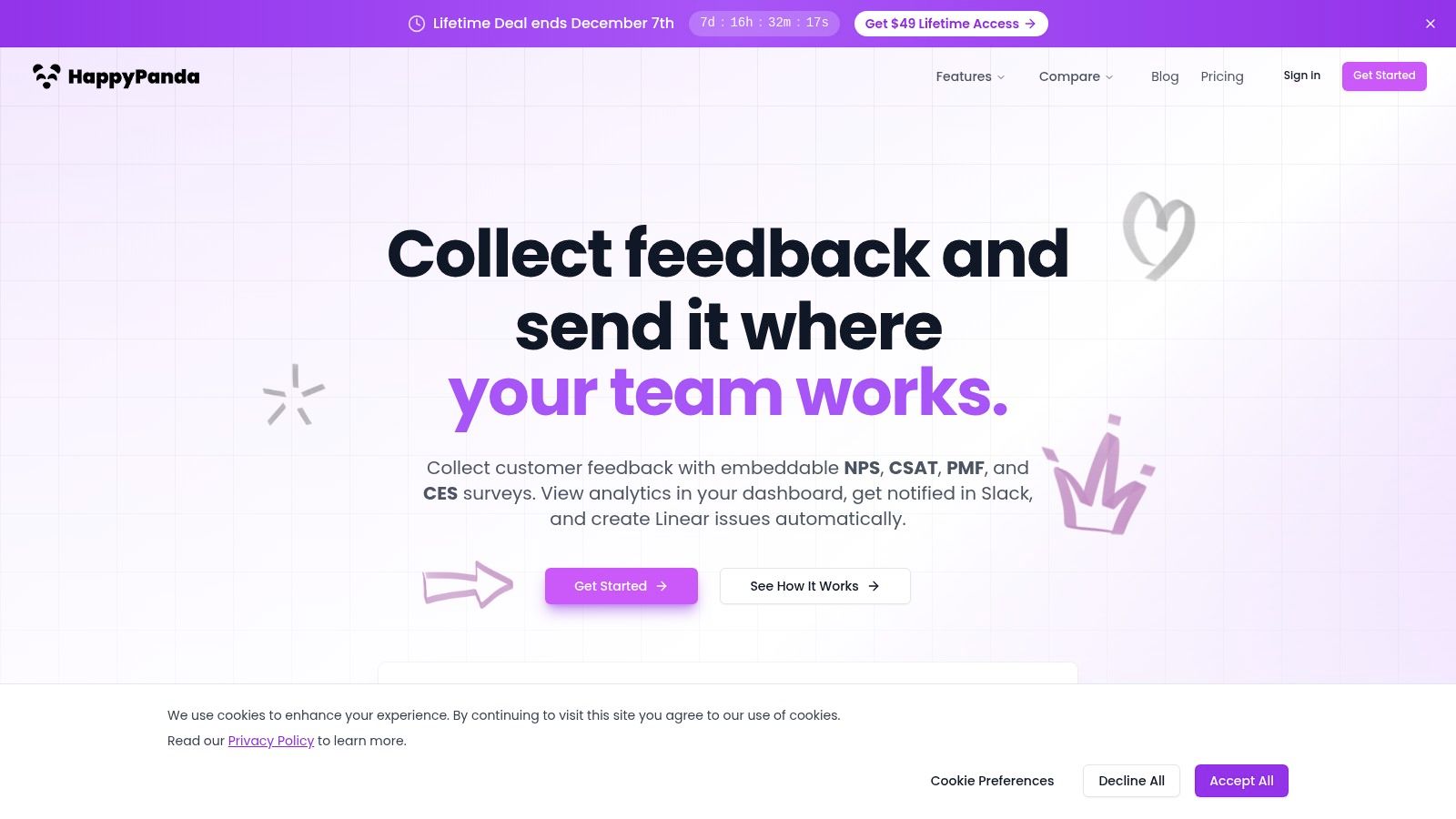
HappyPanda secures its position as one of the best customer feedback tools by delivering a potent, workflow-centric solution without the typical bloat or performance cost. It is engineered for modern product teams, particularly in the SaaS space, who need to deploy feedback mechanisms swiftly and integrate the resulting insights directly into their development cycle. The platform’s core strength lies in its frictionless implementation and powerful, native automations.
Its standout feature is the incredibly lightweight (70 KB gzipped) widget, which can be installed with a single line of code. This ensures that collecting crucial user sentiment through NPS, CSAT, Product-Market Fit, or custom surveys never comes at the expense of your site’s performance. For non-technical users, the visual survey builder makes it simple to design and launch targeted campaigns without developer assistance.
Key Features and Use Cases
HappyPanda excels at turning passive feedback into actionable tasks. Product managers can automatically convert negative feedback or specific feature requests into Linear issues, complete with user context. This direct integration streamlines the feedback-to-development pipeline, ensuring valuable user insights are never lost in a spreadsheet or a separate inbox.
For customer success and growth teams, the platform offers built-in trend analysis and sentiment scoring. This allows you to monitor user satisfaction over time, identify at-risk customer segments after a new feature launch, and measure the impact of product changes on key metrics like Net Promoter Score. All data is easily accessible via the clean dashboard or can be exported for deeper analysis.
Pricing and Support
HappyPanda’s pricing is transparent and exceptionally valuable. It offers a single, all-inclusive plan with unlimited submissions.
- Monthly: 7-day free trial, then $29 per month.
- Lifetime Deal: A limited-time offer of a $49 one-time payment, which includes all future updates.
Support is provided via email, with a typical response time within 24 hours on weekdays.
Website: https://happypanda.ai
Pros & Cons
| Pros | Cons |
|---|---|
| Ultra-fast setup: A single line of code installs the 70 KB widget without impacting site speed. | Email-first support: The small team offers email support, which may not meet the needs of enterprises requiring 24/7 SLAs. |
| Workflow-first integrations: Native Slack, Linear, and Discord notifications, plus webhooks for endless automation possibilities. | Relies on webhooks for broader integrations: Beyond its native connections, connecting to other tools may require Zapier or n8n. |
| All-inclusive, valuable pricing: Full features and unlimited submissions are included in one low-cost monthly or lifetime plan. |
2. Hotjar
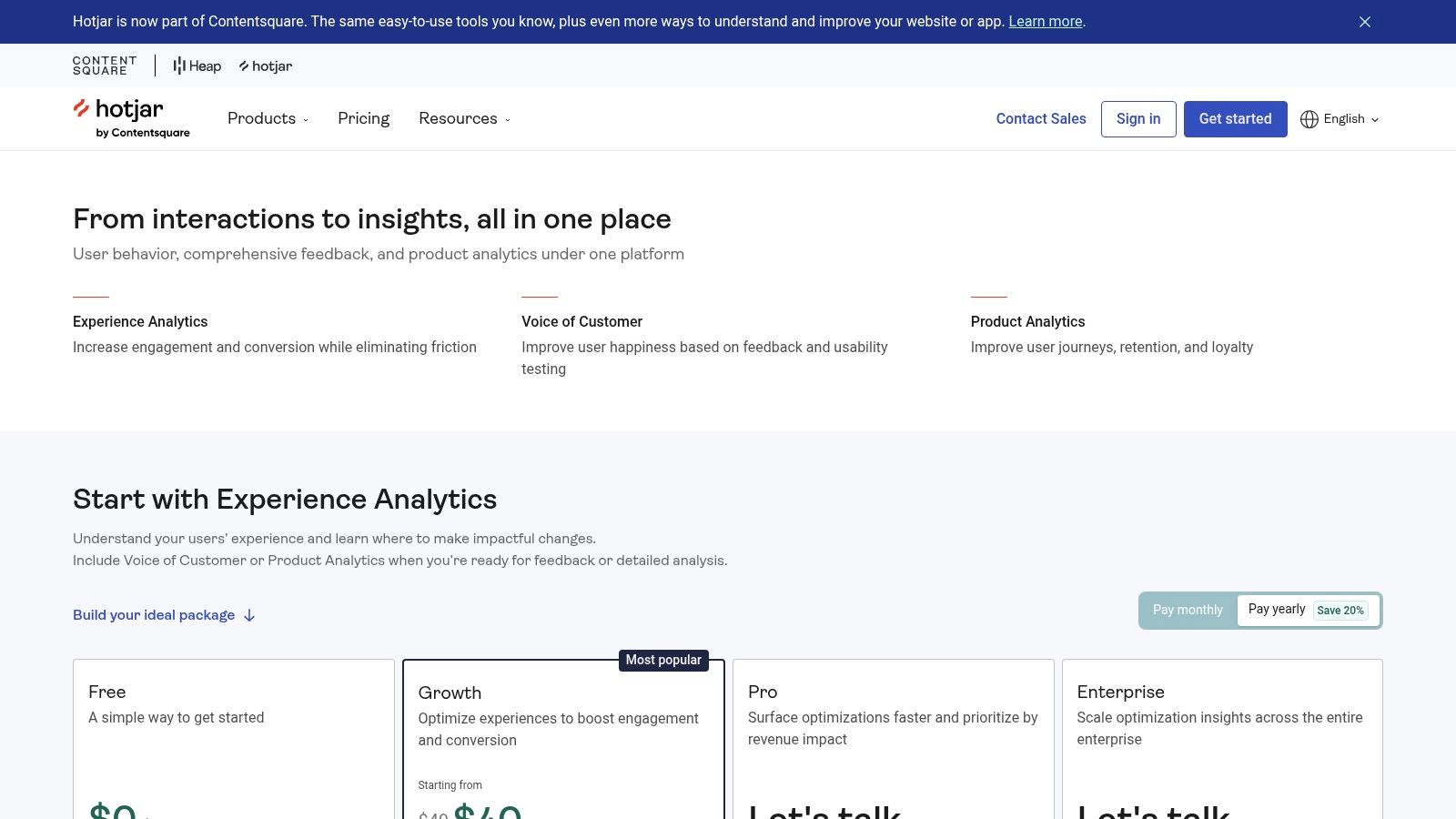
Hotjar is a powerful behaviour analytics and Voice-of-Customer (VoC) platform that excels at connecting what users do with why they do it. It’s an indispensable tool for product, growth, and UX teams that need to go beyond simple feedback forms. By combining on-site surveys and feedback widgets with heatmaps and session replays, Hotjar provides the qualitative context behind user actions, enabling rapid root-cause discovery. This makes it one of the best customer feedback tools for teams focused on optimising user experience.
What makes Hotjar stand out is its ability to tie a specific piece of feedback directly to the user’s recorded session. This means when a user reports a bug or expresses frustration, you can instantly watch a replay of their session to see exactly what happened, eliminating guesswork and accelerating problem resolution. To deepen this understanding, you can learn more about how to effectively gather feedback from users on happypanda.ai.
Key Features & Pricing
Hotjar’s pricing is structured across several tiers, starting with a generous free “Basic” plan. This plan includes up to 35 daily sessions and unlimited heatmaps, making it perfect for startups and small teams to get started.
- Observe (Behaviour Analytics): Features heatmaps, session recordings, and funnels. Paid plans are “Plus” at €32/month and “Business” starting at €80/month, scaling with session volume.
- Ask (Feedback & Surveys): Includes on-site surveys and feedback widgets. The “Plus” plan is €48/month and “Business” starts at €64/month, scaling with response volume.
- Engage (User Interviews): A dedicated tool for recruiting and managing participants for user interviews, starting at €39 per interview session.
Pros and Cons
- Pros: It’s incredibly fast to implement and offers a valuable free tier. Its core strength is combining qualitative feedback with behavioural evidence for unparalleled context.
- Cons: The platform can become pricey at higher session and response volumes. Advanced features for user interviews and testing are reserved for the higher-priced tiers.
Website: hotjar.com
3. SurveyMonkey
SurveyMonkey is a household name in the world of online surveys, making it a reliable choice for gathering structured customer feedback like NPS, CSAT, and CES scores. Its strength lies in its simplicity and ubiquity, offering a vast library of expert-designed templates and questions that allow teams to launch professional surveys quickly. For organisations needing to gather broad market insights or validate ideas, SurveyMonkey provides powerful tools, including website pop-up collectors and access to a global panel of respondents. This makes it one of the best customer feedback tools for formal research and standardised metric tracking.
What makes SurveyMonkey stand out is its dual capability for internal feedback and external market research. Teams can easily embed surveys on their site to capture in-the-moment user sentiment or tap into the SurveyMonkey Audience panel to reach specific demographics across 130+ countries. This flexibility is ideal for companies that need a single platform for both direct customer feedback and wider market analysis, supported by features like multi-language support and AI-assisted survey building.
Key Features & Pricing
SurveyMonkey offers individual and team plans, with pricing structured around features and response limits. A basic free plan is available for simple survey needs.
- Standard Monthly: This plan costs £39/month and is a good starting point for individuals, but it comes with response limits and potential overage charges.
- Advantage Annual: At £32/month (billed annually), this plan removes response limits and adds features like question and answer piping.
- Premier Annual: For £99/month (billed annually), this plan unlocks multilingual surveys, advanced logic, and more comprehensive analysis tools.
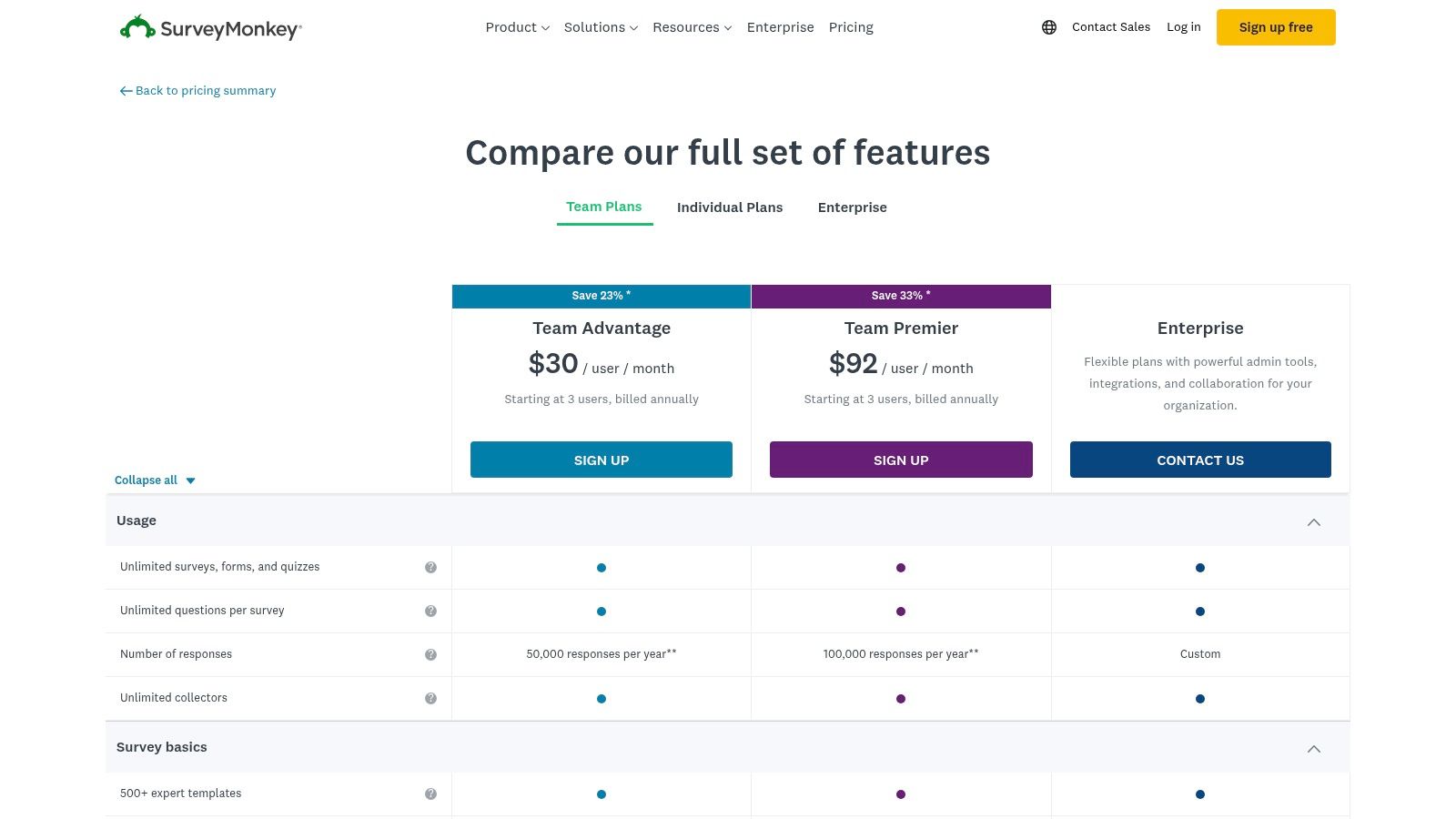
- Team Plans: “Team Advantage” and “Team Premier” plans offer collaboration features, starting at £25/user/month (billed annually with a minimum of 3 users).
Pros and Cons
- Pros: It is exceptionally user-friendly with a huge library of templates and integrations. Its brand recognition often leads to higher response rates.
- Cons: Monthly plans can be restrictive with response limits and overage fees. Team plans often require annual billing and a minimum number of seats, making them a significant upfront investment.
Website: surveymonkey.com
4. Typeform
Typeform redefines the survey experience by transforming standard forms into engaging, conversational interactions. It’s a powerful tool for businesses that want to increase survey completion rates and collect higher-quality feedback. Instead of presenting a long list of questions, Typeform shows one at a time, creating a more human and less intimidating process for the user. This approach makes it one of the best customer feedback tools for capturing nuanced feedback through web, email, and embedded forms.
What makes Typeform stand out is its beautiful, brandable design and logical branching capabilities. This allows you to create dynamic feedback paths where subsequent questions adapt based on a user’s previous answers, making the survey feel personalised and relevant. By doing so, you can craft more effective and engaging surveys, which is a key principle when designing customer feedback forms on happypanda.ai. Its robust integrations with tools like Slack, Hubspot, and Zapier ensure feedback flows directly into your existing workflows.
Key Features & Pricing
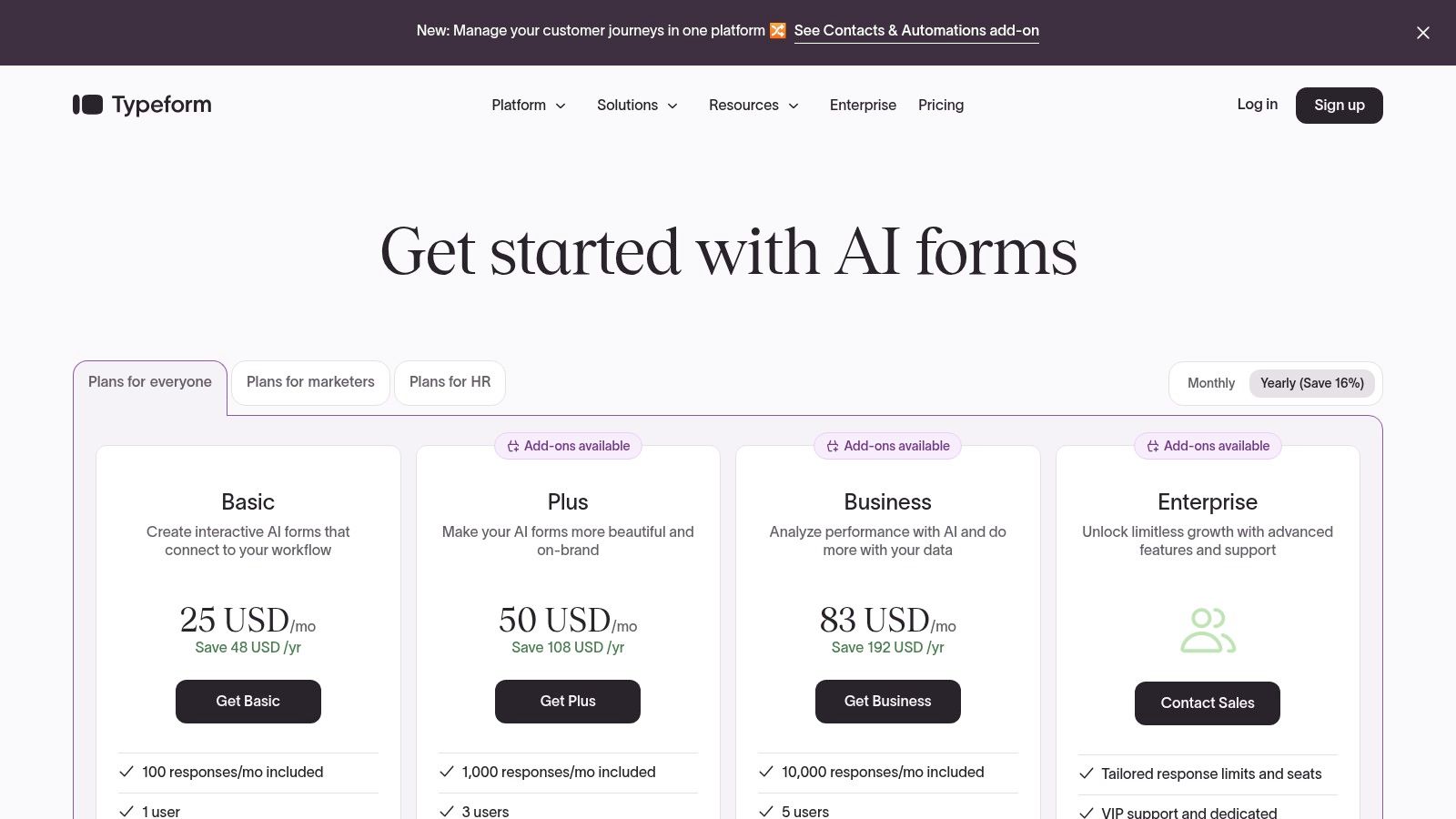
Typeform offers several pricing tiers, including a free plan that allows for 10 responses per month, making it accessible for small-scale projects.
- Free: Includes unlimited forms and up to 10 questions per form, with a 10 response/month limit.
- Basic: Starts at €25/month for 100 responses and includes features like file uploads and payment collection.
- Plus: At €45/month, this plan offers 1,000 responses, removes Typeform branding, and provides more customisation options.
- Business: Starting at €75/month for 10,000 responses, this tier adds advanced analytics, conversion tracking, and priority support.
Pros and Cons
- Pros: The highly polished and conversational user experience can significantly boost response rates and quality. It also offers clear public pricing tiers and extensive integration options.
- Cons: Response limits on each plan mean costs can escalate quickly as your volume grows. Some advanced logic and branding features are restricted to higher-priced tiers.
Website: typeform.com
5. Qualtrics
Qualtrics is an enterprise-grade Experience Management (XM) platform designed for large, complex organisations. It offers an AI-powered suite for managing the entire customer lifecycle across multiple touchpoints, from digital and contact centres to in-person interactions. This makes it one of the best customer feedback tools for global companies that require deep analytics, robust governance, and comprehensive Voice of the Customer (VoC) programmes that go far beyond simple on-site surveys. It excels at unifying feedback data to drive strategic decisions at scale.
What makes Qualtrics stand out is its focus on full-scale CX management rather than just feedback collection. It provides the infrastructure to manage, analyse, and act on customer experience data with advanced security and compliance features. For SaaS companies operating in highly regulated industries or with a global user base, Qualtrics offers the necessary tools to implement a sophisticated and secure feedback ecosystem, ensuring all data is handled appropriately while delivering powerful, actionable insights.
Key Features & Pricing
Qualtrics pricing is sales-led and customised based on the specific modules and scale required. It is positioned as a premium, enterprise solution without public pricing tiers.
- XM for Customer Experience: Captures feedback across every channel, including web, mobile, email, and physical locations, to create a complete customer view.
- Advanced Analytics & AI: Utilises AI to automatically analyse text feedback, predict customer behaviour, and identify key drivers of satisfaction or churn.
- Enterprise Governance: Provides extensive controls for user permissions, data security, and compliance, crucial for large, regulated organisations.
- Broad Programme Coverage: Supports a wide range of CX initiatives, including Net Promoter Score (NPS), Customer Satisfaction (CSAT), and Customer Effort Score (CES) programmes.
Pros and Cons
- Pros: It offers unparalleled depth and governance for enterprise-level CX programmes. Its comprehensive feature set supports complex, multi-touchpoint feedback strategies.
- Cons: The platform is often overkill and too costly for startups or small teams with straightforward feedback needs. The sales-led pricing model means a higher total cost of ownership.
Website: qualtrics.com
6. Survicate
Survicate is a versatile customer feedback platform designed for collecting insights across multiple channels, including web, in-product, mobile, email, and link surveys. It is particularly effective for SMB and mid-market teams that need to run continuous feedback programmes like NPS, CSAT, or CES. With a strong focus on AI-powered analysis, Survicate helps teams automatically categorise feedback, detect sentiment, and translate responses, saving significant manual effort and time.
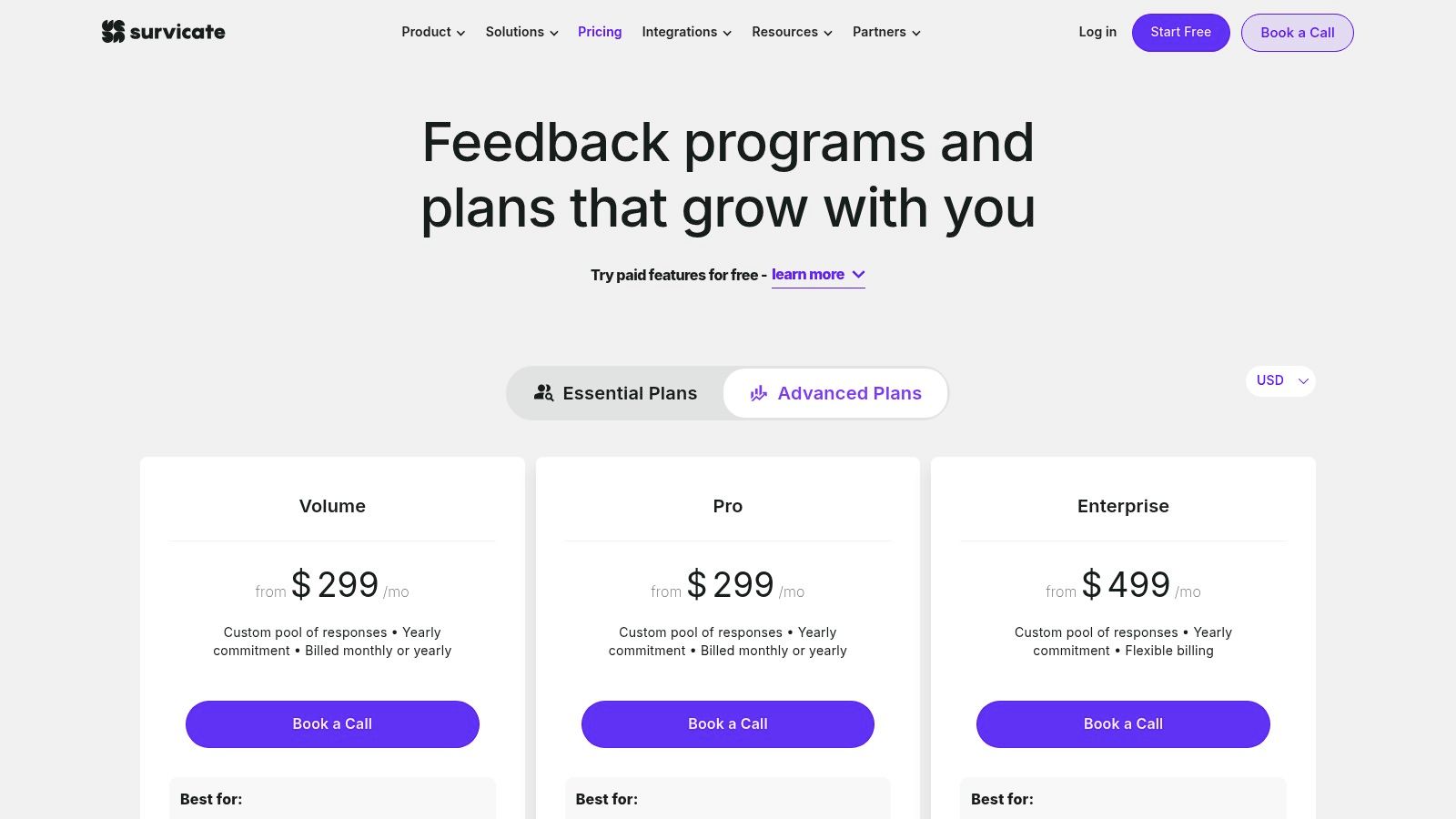
What makes Survicate stand out is its combination of user-friendly survey creation with powerful backend integrations and AI. The platform offers over 40 native integrations with tools like HubSpot, Intercom, and Salesforce, making it simple to pipe feedback data directly into your existing workflows. For teams looking to build a comprehensive feedback system, you can learn more about how it fits into the broader ecosystem of Voice of the Customer software on happypanda.ai. Its GDPR and ISO 27001 compliance also makes it a reliable choice for businesses operating in Europe.
Key Features & Pricing
Survicate’s pricing is response-based, with plans designed to scale as your feedback volume grows. It offers a free plan to get started with basic surveys.
- Feedback Starter: A free plan that includes 25 responses per month, perfect for initial testing and small projects.
- Business Plan: Starts at €89/month for 250 responses, including advanced survey logic, all integrations, and multilingual support.
- Scale Plan: A custom-priced tier for high-volume needs, offering priority support, advanced security features, and dedicated success management.
Pros and Cons
- Pros: It’s quick to set up and is supported by live chat. It offers excellent value for always-on feedback programmes and has a strong EU-friendly compliance posture.
- Cons: Starter plans have low response quotas, and overage fees can apply. Access to the highest response volumes and advanced governance features requires the upper-tier plans.
Website: survicate.com
7. Usersnap
Usersnap is a visual feedback and bug reporting platform designed to eliminate the ambiguity from user feedback. It excels at capturing rich, contextual information directly from a user’s browser, including annotated screenshots and screen recordings. This makes it one of the best customer feedback tools for product managers, QA teams, and customer support specialists who need precise, actionable insights to resolve issues quickly. By providing a clear visual record of what the user experienced, Usersnap streamlines the entire feedback loop from report to resolution.
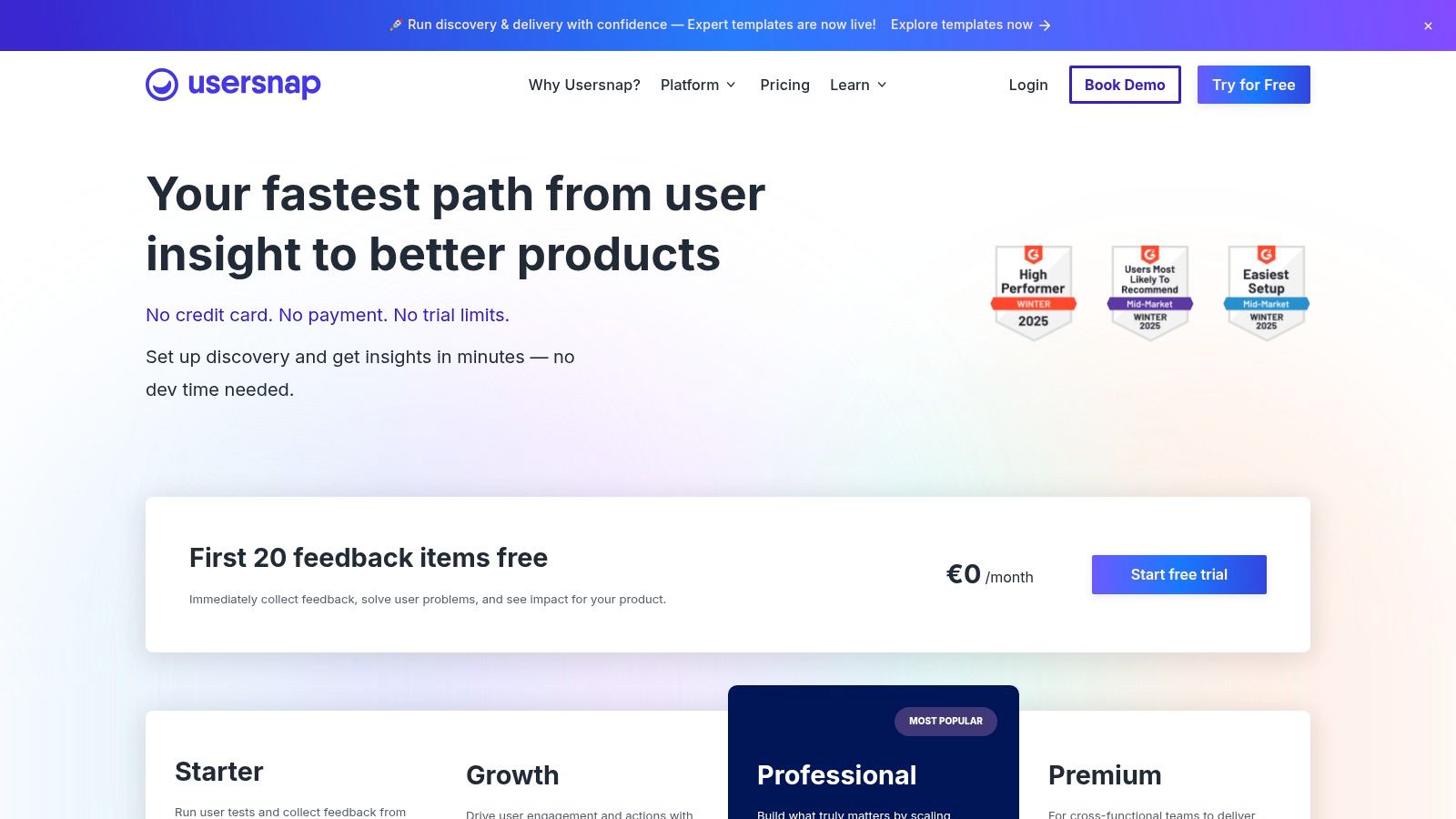
What makes Usersnap stand out is its immediate visual context. When a user submits a bug report, they can draw, highlight, or add notes directly onto a screenshot of the page, ensuring developers see exactly what they saw. This visual-first approach is complemented by in-app micro-surveys and targeted feedback pop-ups, allowing teams to collect both qualitative and quantitative data without disrupting the user journey. The platform’s seamless integrations with tools like Jira, Slack, and Linear ensure feedback flows directly into existing development workflows.
Key Features & Pricing
Usersnap offers several plans tailored to different team sizes and feedback volumes. The plans scale based on the number of team members and monthly feedback items.
- Startup Plan: At €69/month, this plan is designed for small teams, offering core features like feedback widgets, screen captures, and basic integrations.
- Company Plan: Priced at €129/month, it includes advanced features like video feedback, user segmentation, and more sophisticated targeting rules for surveys.
- Premium Plan: For €249/month, this tier provides advanced security, roles and permissions, and dedicated support for larger organisations.
Pros and Cons
- Pros: It provides excellent visual context that drastically reduces the time needed to understand and reproduce bugs. The setup is straightforward, and it integrates well into developer workflows.
- Cons: The platform is primarily focused on in-product visual feedback rather than broader customer research or panel management. Advanced features like video feedback are limited to higher-tier plans.
Website: usersnap.com
8. Mopinion
Mopinion is an enterprise-grade digital feedback analytics platform designed for large-scale, multi-channel voice-of-customer programmes. It excels at collecting and analysing feedback across websites, mobile apps, and email campaigns. For organisations with strict data governance requirements, Mopinion’s European-first approach, including default EU data residency and ISO 27001 certification, makes it a standout choice among the best customer feedback tools, particularly for GDPR-sensitive operations.
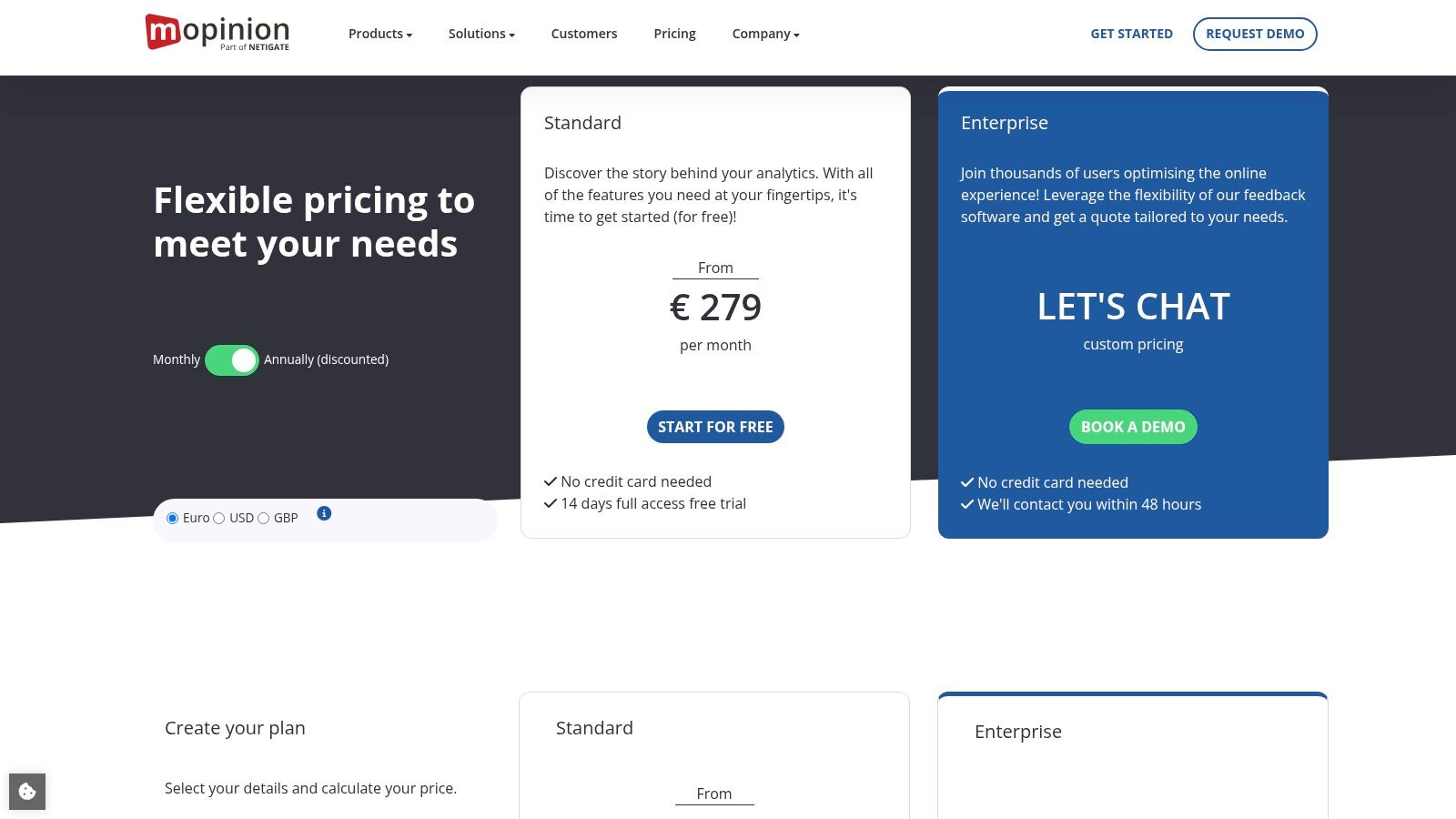
What sets Mopinion apart is its focus on automated intelligence and advanced workflows. It uses AI-powered text analytics, automated tagging, and real-time alerts to help teams instantly identify trends, sentiment, and critical issues from high volumes of qualitative data. This allows large teams to manage and act on feedback efficiently without getting overwhelmed, moving beyond simple collection to actionable insight.
Key Features & Pricing
Mopinion’s pricing is geared towards growth and enterprise needs, focusing on feature sets rather than usage limits for its core plans.
- Standard: Starting at €259/month, this plan includes unlimited feedback forms, websites, and users, along with key features like real-time dashboards and advanced targeting.
- Growth: Priced at €649/month, it adds native mobile app feedback SDKs, more dashboard visualisations, and advanced integrations.
- Enterprise: A custom-priced plan offering features like Single Sign-On (SSO), Service Level Agreements (SLAs), and dedicated success management for complex organisational needs.
Pros and Cons
- Pros: It’s built for compliance with EU data residency and ISO 27001 certification. The platform is highly robust for managing high-volume, multi-channel feedback programmes.
- Cons: The entry price is significantly higher than many tools aimed at SMBs. Accessing its most powerful enterprise functionality requires a custom, higher-tier plan.
Website: mopinion.com
9. Pendo (Feedback/Listen)
Pendo is a comprehensive product experience platform designed to help software companies create products users love. Its specialised feedback module, evolving from the classic Pendo Feedback into Pendo Listen, offers a robust system for centralising feature requests, understanding user needs, and informing the product roadmap. It excels at connecting customer feedback directly to user analytics, allowing product teams to see not just what users are asking for, but also who is asking and how they use the product. This makes it one of the best customer feedback tools for B2B SaaS companies focused on data-driven prioritisation.
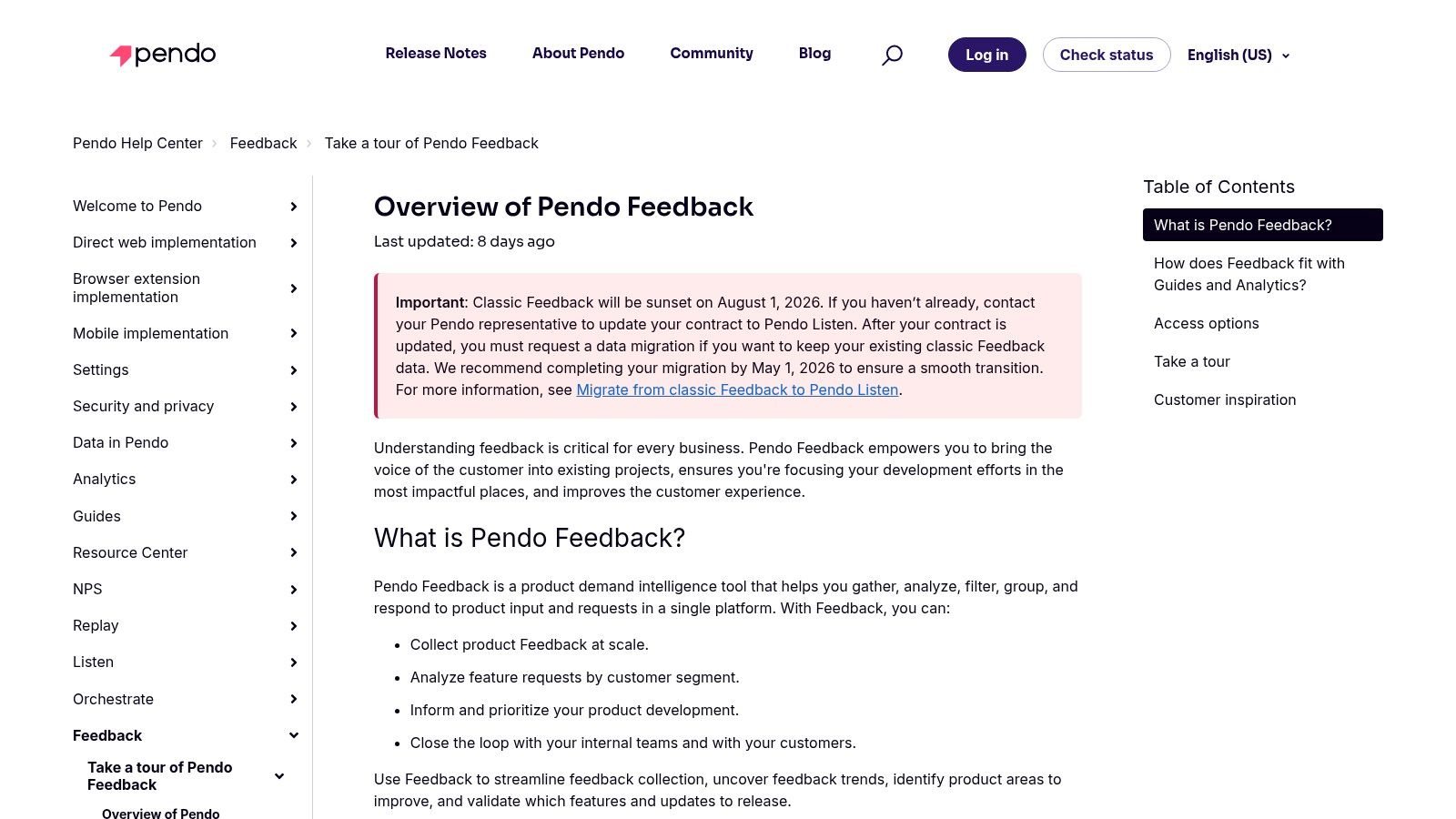
What makes Pendo stand out is its ability to create a closed-loop communication system. Product teams can capture requests, segment them by customer data (like account value or user segment), and then use Pendo’s in-app messaging to communicate roadmap updates directly to the users who made the requests. This direct line of communication is invaluable for building strong customer relationships and demonstrating that their feedback is heard and valued.
Key Features & Pricing
Pendo’s pricing is quote-based and tailored to company size and needs, generally targeting mid-market to enterprise clients. It offers a “Free” tier for up to 500 monthly active users, allowing teams to explore its core analytics and in-app guidance features.
- Feedback & Listen: Centralises feature requests, analyses demand trends, and helps prioritise the roadmap.
- Analytics Integration: Combines qualitative requests with quantitative user behaviour data for deeper insights.
- Closed-Loop Communication: Uses in-app guides to notify users about feature releases they requested.
- Integrations: Connects with key tools like Salesforce, Jira, Zendesk, and Zapier to streamline workflows.
Pros and Cons
- Pros: Excellent for B2B SaaS teams needing to manage and prioritise feedback at scale. The integration with Pendo’s analytics suite provides powerful context for decision-making.
- Cons: Pricing is sales-led and can be a significant investment, making it less accessible for early-stage start-ups. Teams on the older “Feedback” module will need to plan for migration to the new “Listen” experience.
Website: support.pendo.io/hc/en-us/articles/5092218184475-Overview-of-Pendo-Feedback?utm_source=openai
10. G2
G2 is less of a feedback tool itself and more of an indispensable research platform for discovering and comparing them. As a trusted software marketplace, it offers a comprehensive overview of the customer feedback landscape, backed by verified peer reviews. For teams at the beginning of their search, G2 provides the necessary structure to shortlist vendors by comparing ratings, user-submitted pros and cons, and detailed market reports. This makes it an essential first step before committing to one of the best customer feedback tools.
The real value of G2 lies in its curated category pages and comparative Grid reports. These resources allow you to filter vendors by specific capabilities, such as Voice of Customer (VoC) or feedback analytics, and see how they stack up against each other based on user satisfaction and market presence. This data-driven approach helps teams move beyond marketing claims and understand how tools perform in real-world scenarios, accelerating the vendor selection process.
Key Features & Pricing
G2 is free for buyers to use for research. The platform monetises through vendor profiles and promotional placements.
- Comparative Ratings & Reviews: Access thousands of verified user reviews with detailed pros, cons, and satisfaction scores.
- Curated Capability Filters: Narrow down options in specific categories like customer feedback surveys, experience management, and more.
- Grid Reports: Visualise the market landscape, identifying leaders, contenders, and niche players based on user data.
Pros and Cons
- Pros: It provides broad vendor coverage with powerful side-by-side comparison features. The satisfaction scores and user segments offer helpful signals to speed up research.
- Cons: Some software categories are very broad and require further independent research. Vendor promotions can influence visibility, so it’s wise to verify all details directly.
Website: g2.com/categories/survey/f/customer-feedback-surveys
11. Capterra Sweden
Capterra Sweden is a localised software directory, not a feedback tool itself, but a vital starting point for Swedish and EU-based companies navigating the complex software market. It provides a curated and region-specific lens on categories relevant to customer feedback, including “Kundnöjdhet” (Customer Satisfaction) and Net Promoter Score (NPS) platforms. This makes it one of the best research resources for buyers who prioritise vendors with a strong European presence or need to compare tools through a local-market filter.
What makes Capterra Sweden stand out is its commitment to providing verified user reviews and transparent filtering that resonates with regional business needs. For a SaaS founder in Stockholm, for example, being able to quickly see which tools are popular in their market, read reviews from local peers, and understand pricing in a familiar context removes significant friction from the procurement process. It helps teams discover both global leaders and emerging European alternatives that might otherwise be overlooked.
Key Features & Pricing
Capterra is a free-to-use directory for buyers. The platform organises tools into distinct categories, allowing users to apply filters for features, pricing models (including free tiers), and business size.
- Localised Directory: Software categories like Customer Satisfaction and Market Research are presented with a Swedish-language interface and context.
- Verified User Reviews: Access authentic feedback from real users, which can be filtered to understand the sentiment within the EU market.
- Vendor Comparisons: Easily compare features and pricing side-by-side to create a shortlist of the best customer feedback tools for your specific requirements.
Pros and Cons
- Pros: It’s an excellent, region-friendly starting point for software research in the Swedish/EU market. The platform offers broad vendor coverage and a transparent review methodology.
- Cons: Users must be mindful of sponsored placements that can appear at the top of lists. Some software category definitions can overlap, requiring careful navigation to find the right tools.
Website: capterra.se
12. Salesforce AppExchange
For organisations deeply embedded in the Salesforce ecosystem, the AppExchange isn’t just a marketplace; it’s a critical resource for finding natively integrated customer feedback tools. Instead of being a single tool, it’s a curated platform where you can find powerful applications like SurveyMonkey Enterprise or Survey Force that plug directly into your CRM. This makes it one of the best customer feedback tools for teams that require seamless data flow, centralised procurement, and security reviews managed within their existing Salesforce environment.
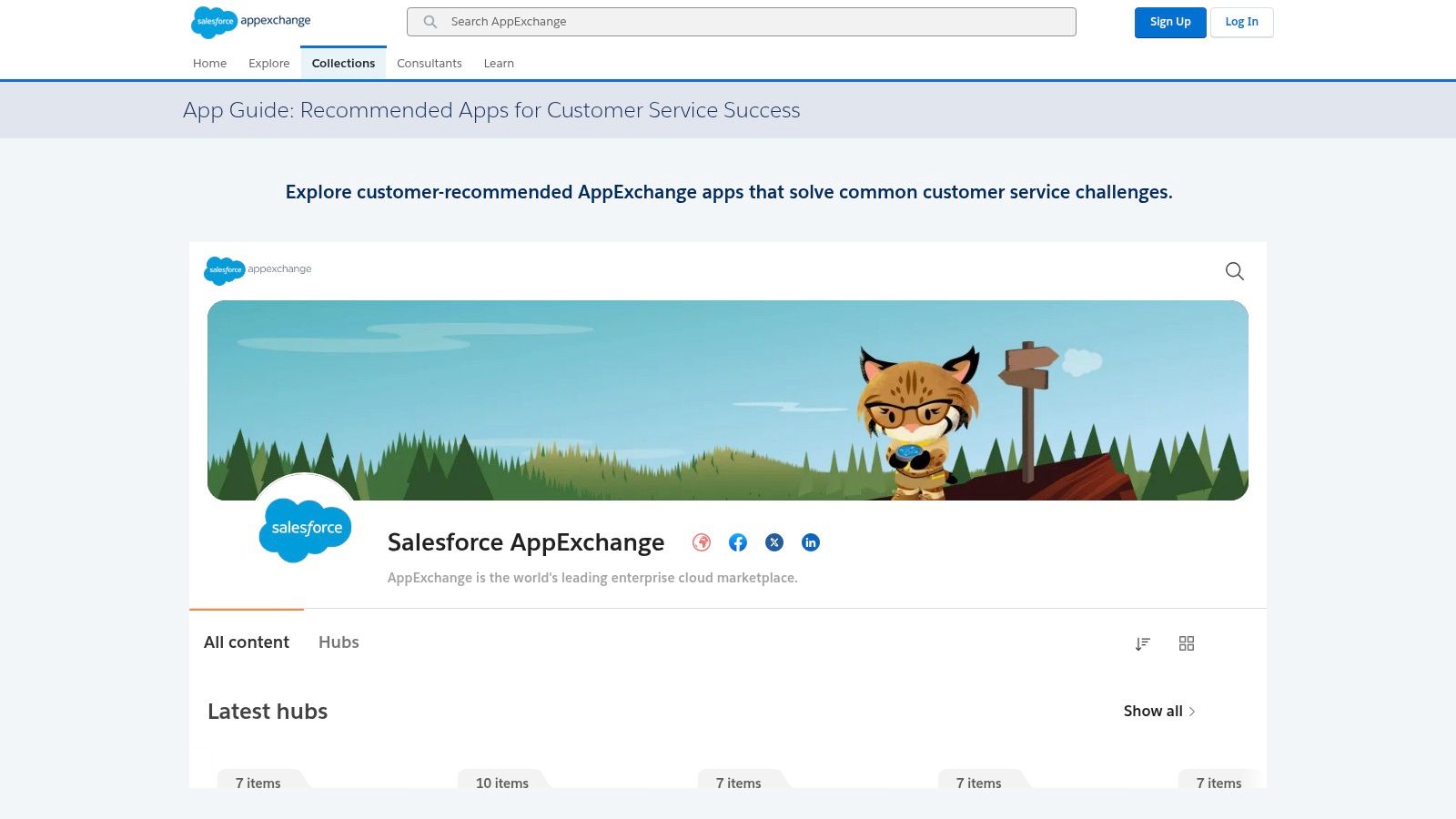
What makes the AppExchange stand out is its focus on CRM-centric feedback. The native integration allows teams to trigger surveys automatically based on customer actions within Salesforce, such as after a support case is closed. This direct connection ensures feedback is immediately linked to customer records, enriching profiles and enabling highly personalised follow-up and sophisticated reporting without complex API work.
Key Features & Pricing
The AppExchange lists thousands of apps, with pricing models varying from free to enterprise-level subscriptions. Each listing provides detailed information on pricing, features, user reviews, and release notes to help with evaluation.
- Native Integration: Apps are built on the Salesforce platform, ensuring deep, reliable integration with your existing CRM data and workflows.
- Curated Collections: Features specialised collections like ‘Apps to Measure Customer Satisfaction’ to simplify discovery.
- Security Reviewed: All public apps must pass a stringent Salesforce security review process, offering peace of mind for enterprise customers.
Pros and Cons
- Pros: Native CRM integration provides unparalleled opportunities for automation and reporting. It centralises procurement and security vetting within the Salesforce ecosystem.
- Cons: The selection is almost exclusively tailored to Salesforce-centric tools, limiting options for companies not using the CRM. Many of the most robust apps are enterprise-oriented and come with a significant price tag.
Website: https://appexchange.salesforce.com/mktcollections/curated/guide-for-service-apps?utm_source=openai
Top 12 Customer Feedback Tools Comparison
| Product | Core Features ✨ | UX / Quality ★ | Target 👥 | Price / Value 💰 |
|---|---|---|---|---|
| 🏆 HappyPanda | ✨ 70 KB embeddable widget; NPS/CSAT/PMF/CES; sentiment & trend analytics; Slack/Linear/Discord & webhooks | ★★★★☆ Fast setup, visual builder, unlimited submissions | 👥 SaaS founders, PMs, growth, CS, UX/research | 💰 7-day free trial → $29/mo; $49 one‑time (lifetime, limited) |
| Hotjar | ✨ Heatmaps, session replays, funnels + on‑page surveys & AI summaries | ★★★★☆ Strong behavioral + VoC context | 👥 UX, product & growth teams | 💰 Free tier → paid; can scale costly |
| SurveyMonkey | ✨ 500+ templates, web/email collectors, SurveyMonkey Audience panel | ★★★★ Ubiquitous, easy to deploy & share | 👥 Researchers, marketers, enterprises | 💰 Tiered pricing; response overage fees possible |
| Typeform | ✨ Conversational forms, logic/branching, 300+ integrations | ★★★★☆ Polished UX that boosts completions | 👥 Marketers, designers, customer‑facing teams | 💰 Clear tiers; response caps on lower plans |
| Qualtrics | ✨ Enterprise XM, advanced analytics, governance & AI insights | ★★★★★ Enterprise-grade CX & research capabilities | 👥 Large/regulated enterprises, global CX teams | 💰 Sales-led pricing; higher TCO |
| Survicate | ✨ Web/in‑product/mobile surveys, AI analysis, 40+ integrations | ★★★★ Fast setup with live chat support | 👥 SMB → midmarket product & CS teams | 💰 Strong value for always‑on; starter quotas apply |
| Usersnap | ✨ Annotated screenshots, video/screen capture, micro‑surveys | ★★★★ Excellent visual context for bugs/UX | 👥 Product, QA & dev teams | 💰 Tiered; video/advanced quotas vary |
| Mopinion | ✨ Real‑time dashboards, SDKs, EU data residency, ISO27001 | ★★★★ Compliance‑forward, high‑volume capable | 👥 GDPR‑sensitive enterprises & CX programs | 💰 Higher entry price; custom enterprise plans |
| Pendo (Feedback/Listen) | ✨ Feature request triage, account segmentation, closed‑loop comms | ★★★★ Strong B2B roadmap & governance | 👥 B2B SaaS product teams, PMOs | 💰 Sales‑led; mid→enterprise budgets |
| G2 | ✨ Comparative ratings, verified reviews & Grid reports for shortlisting | ★★★★ Helpful market signals for vendor selection | 👥 Buyers, procurement, vendor researchers | 💰 Free to browse; vendor promos exist |
| Capterra Sweden | ✨ Localized Swedish pages, filters & verified reviews | ★★★ Useful regional research starting point | 👥 Sweden/EU buyers & procurement | 💰 Free; sponsored listings possible |
| Salesforce AppExchange | ✨ Salesforce‑ready survey/feedback apps & centralized procurement | ★★★★ Native CRM integrations and security review | 👥 Salesforce‑centric orgs & admins | 💰 App prices vary; enterprise procurement model |
How to Choose the Right Tool for Your Team
Navigating the landscape of the best customer feedback tools can feel overwhelming. We’ve explored everything from enterprise powerhouses like Qualtrics and Salesforce AppExchange to visual bug reporting specialists like Usersnap and versatile survey builders such as Typeform and Survicate. The key takeaway is clear: there is no single ‘best’ platform. The right choice depends entirely on your team’s unique context, workflow, and strategic goals.
Making a decision requires moving beyond a simple feature comparison. Instead, you need to conduct a deeper evaluation of how a tool will integrate into your daily operations and contribute to your product’s growth. The most powerful feedback system is one that your team will actually use consistently, turning raw customer input into tangible product improvements.
Your Four-Point Decision Checklist
To cut through the noise and select the perfect tool, start by answering these four critical questions with your team. This framework will help you prioritise what truly matters for your specific situation.
- What is our primary, immediate goal? Is your top priority to fix bugs and improve usability? A tool like Usersnap might be the perfect fit. Are you focused on long-term product strategy and roadmap prioritisation? Pendo’s suite could be the answer. Or, is your main objective to run continuous NPS, CSAT, and CES campaigns to monitor customer health? Platforms like HappyPanda and Survicate are built for this. Clearly define your most pressing need before you begin.
- How critical are our integrations? Consider your existing tech stack. Do you live and breathe in Salesforce and require a deep, native connection for your customer data? Or is your workflow centred around more agile tools like Slack and Linear? For many modern SaaS teams, simple webhook capabilities and direct integrations that send feedback straight into project management tools are far more efficient than complex, enterprise-level connections.
- What is our realistic budget and scale? Be honest about your financial constraints and expected growth. Enterprise solutions like Mopinion or Qualtrics offer immense power but come with a significant price tag and often complex pricing tiers. In contrast, tools designed for small to medium-sized businesses, such as HappyPanda, provide predictable, transparent pricing that allows you to scale your feedback collection without worrying about surprise fees for additional responses.
- Who are the primary users of this tool? Will it be managed by a dedicated UX research team that needs sophisticated analytics and cross-tabulation features? Or is it intended for a product manager or founder who needs to quickly build and launch a survey without a steep learning curve? The user experience of the tool itself is a crucial factor that directly impacts its adoption and effectiveness within your organisation.
Making the Final Choice
Choosing a software tool is a strategic decision that impacts your entire product development cycle. To effectively choose the right feedback tool, it’s beneficial to understand how experts evaluate other software, such as when comparing different analytics platforms. This kind of analytical approach helps you weigh the pros and cons based on your own business needs, not just on marketing claims.
For lean SaaS teams aiming for rapid growth, the ideal solution often lies in the balance of power, simplicity, and affordability. A platform like HappyPanda excels in this area, offering a lightweight yet comprehensive feature set. Its in-app widget, diverse survey types (from NPS to multi-question forms), and direct-to-workflow integrations are specifically designed to close the loop between customer feedback and developer action without the overhead of enterprise software.
By carefully working through these questions, you can move from a long list of possibilities to a confident, informed decision. The goal isn’t just to collect data; it’s to build a system that makes your product demonstrably better, one piece of feedback at a time.
Ready to turn customer insights into your biggest growth lever? HappyPanda provides the fast, flexible, and affordable feedback tools your SaaS team needs to build products customers love. Start listening to your users today and see the difference it makes.